
Domain Management: Share Access to Your Register.com Account
Introduction
Sharing access to your Register.com account allows the WP Sprints team to manage domain settings directly, make necessary configurations, and troubleshoot any issues efficiently. This approach ensures minimal downtime during website setup or maintenance, optimizing your site for both performance and security.
Step-by-Step Instructions
1. Log into your account via https://www.register.com/my-account/login.
2. Once logged in, click on your username in the top right-hand corner.
3. Select Accounts and Users.
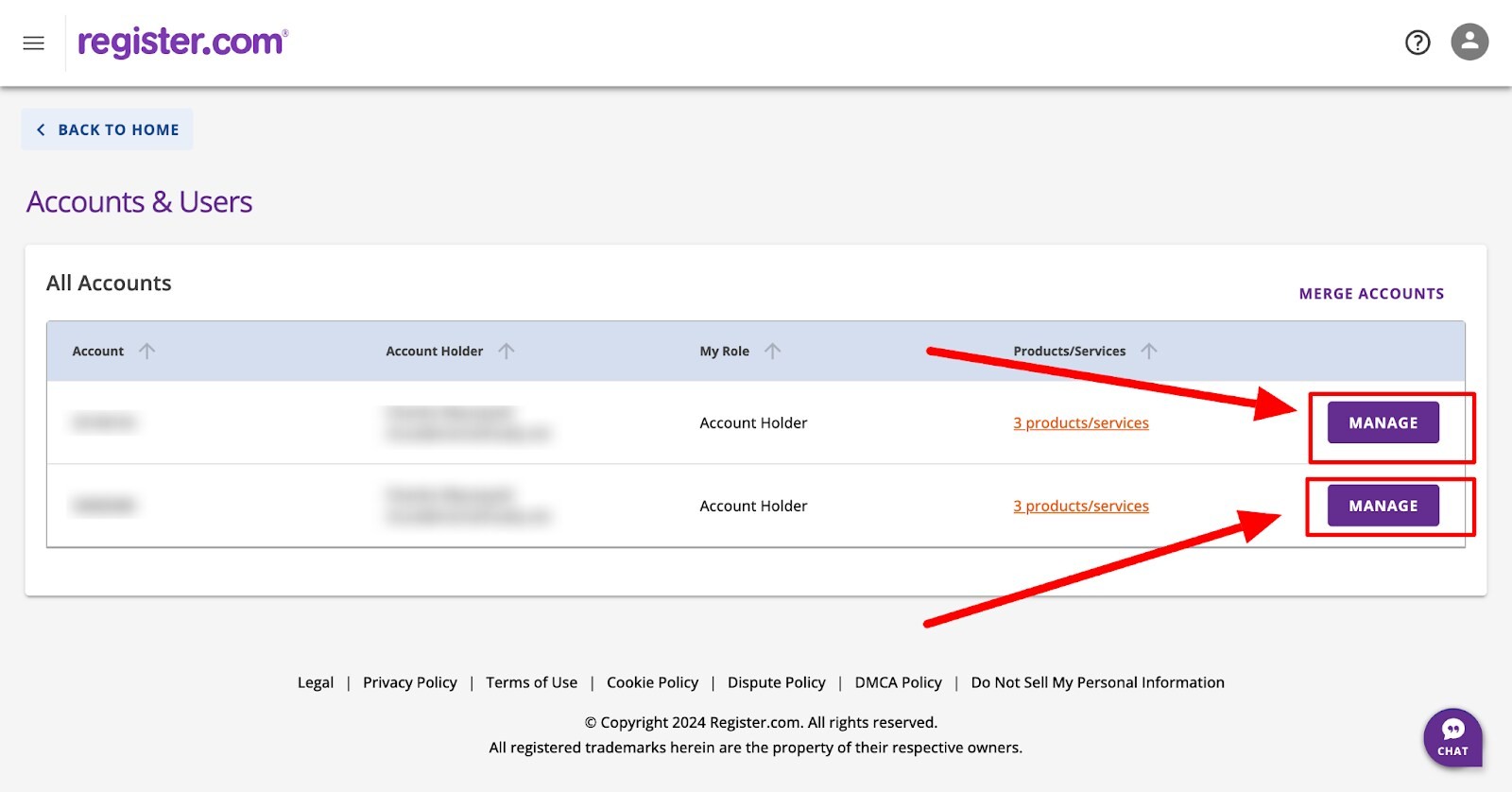
4. Select the account you want to delegate access to and press the Manage button.
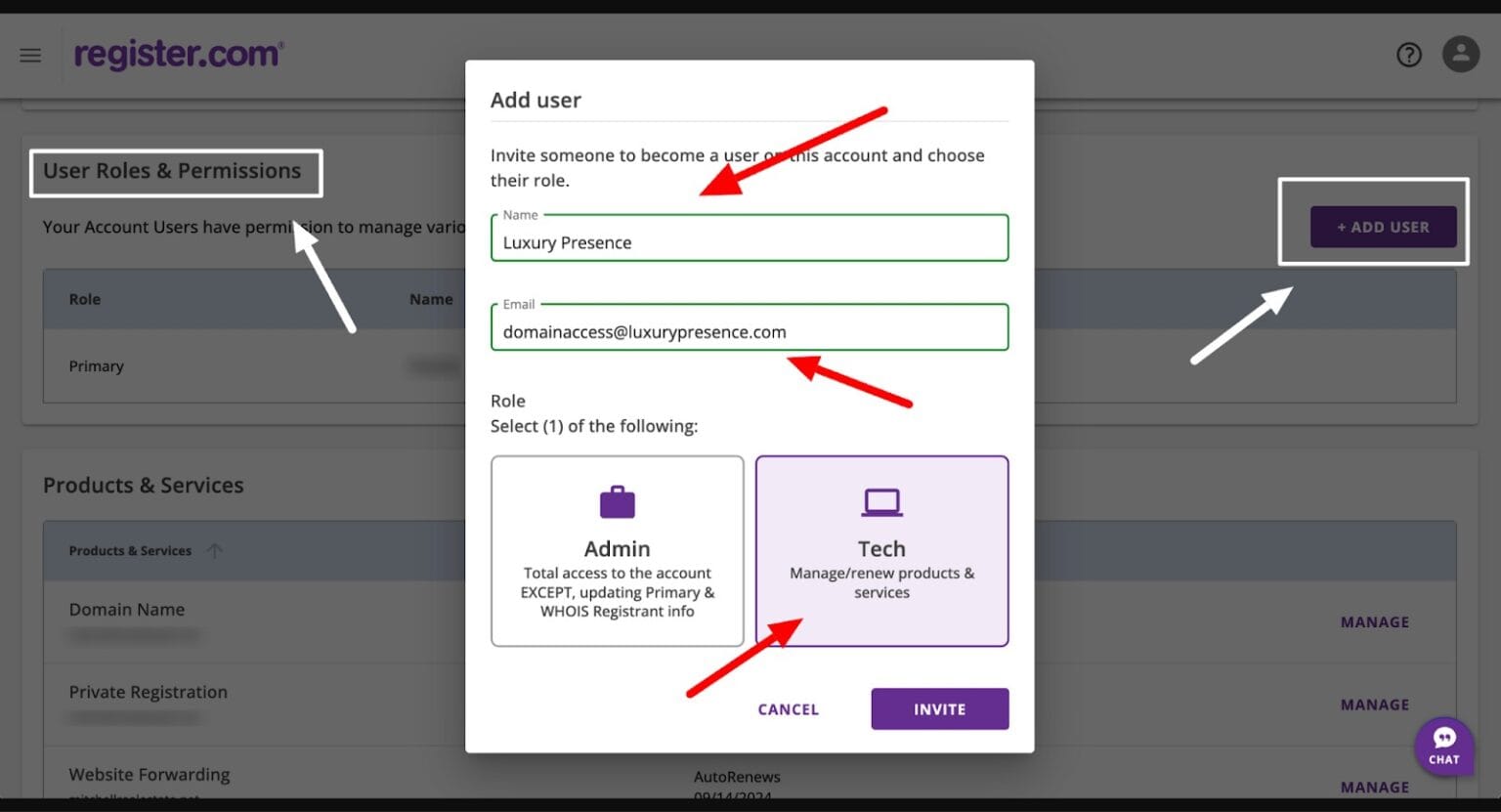
5. Navigate down the page to the User Roles & Permissions section and press the + Add User button.
This will open a new user modal window where you will need to add:
- Name: WP Sprints
- Email: support@wpsprints.com
6. Select the Tech role access.
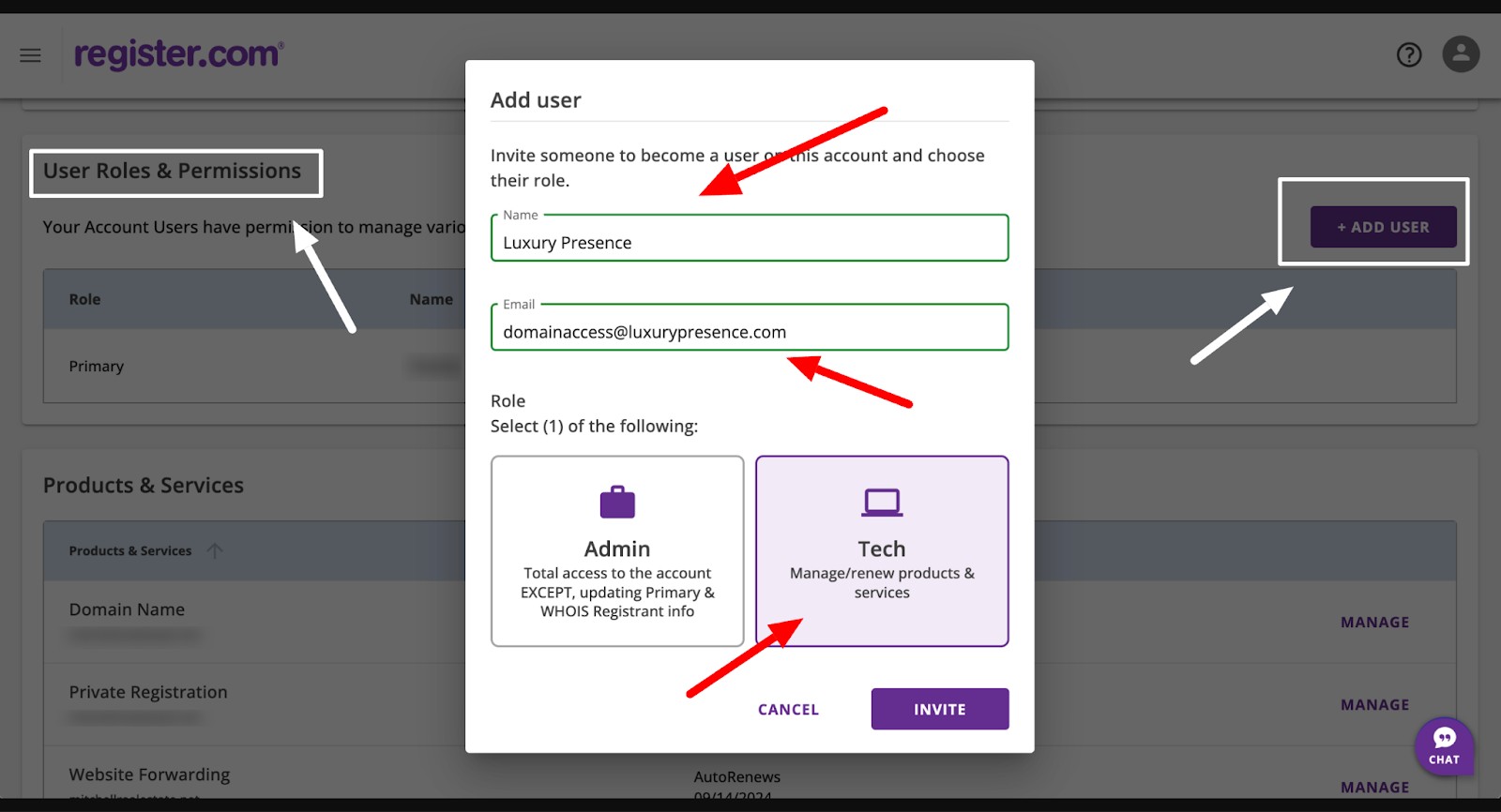
7. Press Invite, and you’re done!
8. Please let our Support Team know once you’ve delegated access.