What’s New in WordPress 7.0? Features, Improvements & What It Means for Your Website
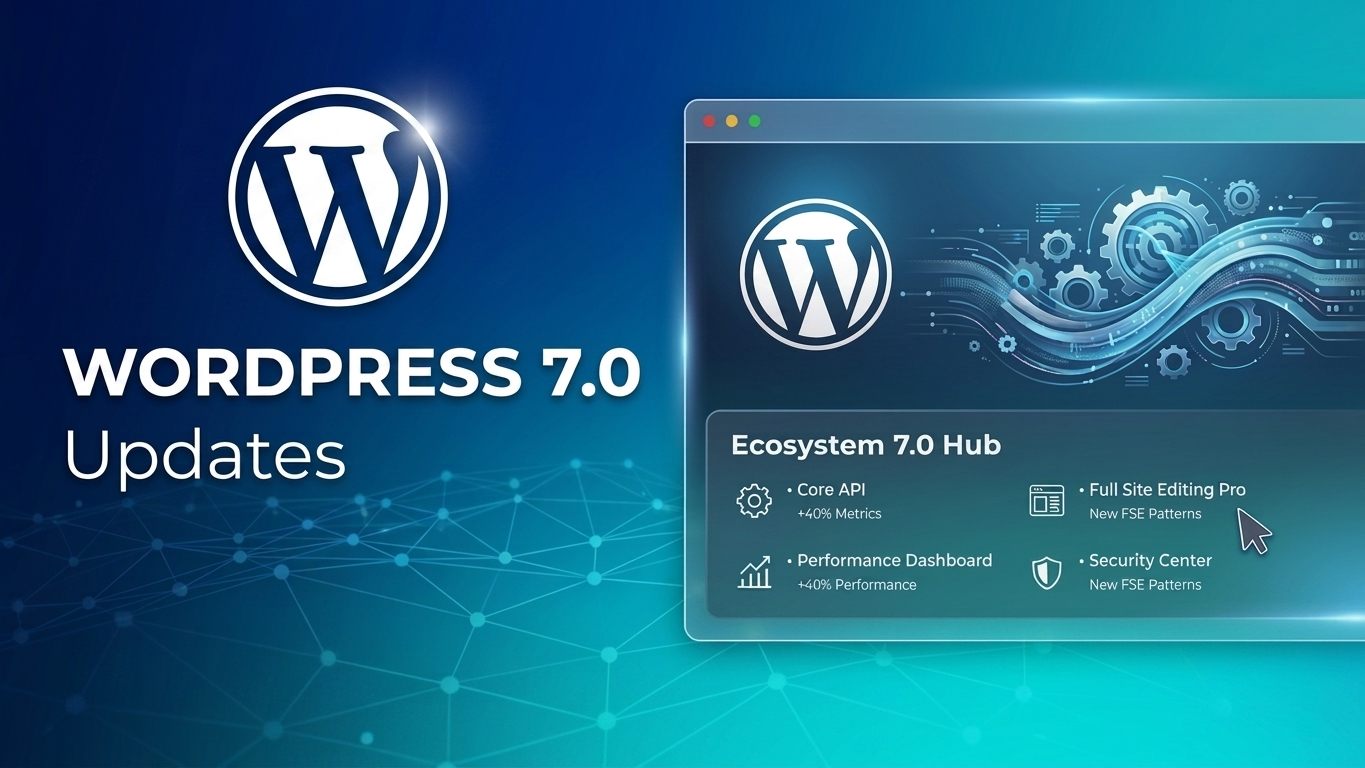
WordPress 7.0 has officially arrived, and this is one of the most impactful updates we’ve seen in recent years.
At WP Sprints, we’ve been testing WordPress 7.0 since the beta release, and this update introduces major improvements for website owners, developers, agencies, and content creators alike especially in areas like AI integration, performance, responsive design, workflow efficiency, and editor experience.
Whether you manage a business website, WooCommerce store, agency portfolio, or content-heavy platform, WordPress 7.0 includes features that can directly improve how your website operates and scales.
Before updating, we strongly recommend creating a full backup of your website or testing the update on a staging environment first.
Major Features in WordPress 7.0
Native AI Integration Comes to WordPress
One of the biggest additions in WordPress 7.0 is the new AI Connectors system.
WordPress now includes a centralized area where website owners can connect AI providers directly inside the dashboard without needing multiple third-party integrations or manually entering API keys across different plugins.
Supported providers currently include:
- OpenAI (ChatGPT)
- Google Gemini
- Anthropic Claude
This creates a unified AI infrastructure where compatible plugins and themes can communicate with your preferred AI provider automatically.
For businesses using AI-powered content tools, automation plugins, chat systems, or smart workflows, this is a major step toward a more connected WordPress ecosystem.
A Faster & More Modern WordPress Admin Experience
WordPress 7.0 introduces a cleaner and more responsive admin interface.
While the visual redesign is subtle, the experience feels significantly smoother:
- Faster transitions between admin pages
- Improved typography and spacing
- Reduced page reload behavior
- Better navigation flow for content teams
For agencies and businesses managing multiple pages, products, or client websites daily, these workflow improvements can save considerable time.
Command Palette Now Works Everywhere
Previously limited to the block editor, the Command Palette is now available throughout the entire WordPress dashboard.
Using:
- ⌘ + K on Mac
- Ctrl + K on Windows
Users can instantly:
- Navigate pages
- Search settings
- Open posts
- Trigger actions
- Access tools faster
This functionality feels similar to modern productivity apps like VS Code or Figma and significantly improves workflow speed for power users.
Responsive Block Visibility Without Extra Plugins
One of the most requested features is finally built directly into WordPress core.
WordPress 7.0 now allows blocks to be shown or hidden based on device type:
- Desktop
- Tablet
- Mobile
This means you can:
- Display different layouts on mobile
- Hide large visuals on smaller screens
- Customize responsive experiences without custom CSS or page builders
For agencies focused on mobile optimization and conversion rates, this is a huge improvement.
Smarter Revision History & Visual Content Comparison
The revisions system in WordPress 7.0 is dramatically improved.
Users can now compare content revisions visually with highlighted changes, including:
- Added blocks
- Removed sections
- Edited settings
- Text modifications
This is especially useful for:
- Multi-author websites
- Editorial workflows
- Agency approvals
- WooCommerce content management
- Preventing accidental changes
The updated revision system makes rollback and change tracking far more intuitive.
Custom CSS for Individual Blocks
Another major enhancement is the ability to add custom CSS directly to individual blocks.
Previously, styling a single block required:
- Additional CSS panels
- Custom classes
- Theme edits
- Extra plugins
Now, WordPress 7.0 allows custom CSS inside the block settings itself.
This gives developers and designers more flexibility while keeping styling isolated and easier to manage.
New Native Blocks Added to WordPress 7.0
WordPress now includes several highly requested native blocks:
Icons Block
Insert scalable SVG icons directly into content without relying on external plugins.
Perfect for:
- Feature sections
- Service cards
- Pricing tables
- Call-to-action layouts
Breadcrumbs Block
Native breadcrumb functionality is now built into WordPress core.
Benefits include:
- Improved navigation
- Better user experience
- SEO enhancements
- Cleaner search result snippets
Improved Heading Management
The new Headings block simplifies heading hierarchy management and improves accessibility and SEO structure.
This helps websites maintain cleaner content organization and semantic structure.
Better Mobile Navigation Overlays
WordPress 7.0 improves the Navigation block with customizable mobile overlays.
Users can now create mobile menus with:
- Overlay effects
- Guided setup flows
- Better responsive behavior
- More flexible design options
This reduces the need for custom mobile menu plugins or advanced coding.
Pattern Editing Becomes Easier
Editing patterns in WordPress is now far more user-friendly.
The new “content-only editing mode” reduces clutter and makes pattern editing simpler for non-technical users.
This is especially beneficial for:
- Content teams
- Clients
- Marketing departments
- Businesses managing their own pages
Gallery Lightbox Navigation Improvements
Gallery lightboxes now support:
- Next/Previous navigation
- Keyboard controls
- Better browsing experience
A small update, but a meaningful improvement for photography, portfolio, and ecommerce websites.
Developer & Performance Improvements
WordPress 7.0 also includes several important developer-focused enhancements:
Highlights Include:
- Pseudo-element support in theme.json
- PHP-only block registration
- Improved Global Styles selectors
- Dedicated Font Library management
- WP-CLI 3.0 updates
- Improved Site Health reporting
- Enhanced iframe editor stability
- More secure default user role handling
PHP Requirements
WordPress 7.0 now officially requires:
- Minimum PHP: 7.4
- Recommended PHP: 8.3 or 8.4
If your hosting environment is outdated, this is a good time to upgrade for better performance and security.
Final Thoughts: Should You Update to WordPress 7.0?
In our testing at WP Sprints, WordPress 7.0 feels like a major modernization release.
The combination of:
- Native AI infrastructure
- Better responsive controls
- Faster workflows
- Improved editor usability
- Enhanced developer flexibility
…makes this update highly valuable for both website owners and agencies.
That said, every website environment is different.
Before updating:
✅ Create a full backup
✅ Test on staging if possible
✅ Verify plugin/theme compatibility
✅ Ensure PHP versions are updated
If your business relies on WordPress daily and you want a safe, professionally managed update process, performance optimization, and ongoing maintenance, WP Sprints can help.
Need Help Updating to WordPress 7.0?
At WP Sprints, we help businesses and agencies manage WordPress updates, performance optimization, malware cleanup, maintenance, and custom development without the stress of handling it internally.